
Table of Contents
Buy server is a significant investment, especially when you are purchasing dedicated hardware for the first time. With so many GPU models, memory capacities, processors, storage configurations, and server options available, choosing the right system can quickly become confusing.
The biggest mistake is to start with the question, What is the cheapest GPU server?
A better question is:
“Which GPU server configuration is suitable for my workload?”
An AI development team, a 3D rendering studio, a research organization, and a video-processing company can all require completely different hardware. Selecting a server based only on its GPU model or advertised price can result in either an underpowered system or an unnecessarily expensive one.
If you are planning to buy a GPU server in India, it is important to evaluate your workload, performance requirements, GPU memory, CPU, RAM, storage, power, cooling, and future expansion needs before making a decision.
This is also why choosing the right server provider is important.
A reliable provider should understand what you intend to run and recommend hardware around those requirements instead of simply offering a pre-defined configuration. Serverstack is one option for businesses, developers, researchers, and organizations looking for GPU server solutions in India.
In this guide, we will cover the key factors you should consider before purchasing a GPU server, how to select the right configuration, what affects GPU server pricing, and the common mistakes you should avoid.
What is a GPU Server?
A GPU server is a high-performance computing system equipped with one or more Graphics Processing Units (GPUs).
GPUs are built to perform large numbers of calculations in parallel. This makes them particularly effective for applications where huge amounts of similar mathematical operations need to be processed quickly.
GPU servers are commonly used for:
- Artificial intelligence (AI)
- Machine learning (ML)
- Deep learning
- Generative AI
- Computer vision
- 3D rendering
- Video processing
- Scientific simulations
- Data analytics
- High-performance computing (HPC)
For example, training or fine-tuning an AI model can require an enormous number of calculations. A suitable GPU can process many of these operations simultaneously, helping reduce computation time compared with relying entirely on a conventional CPU.
However, GPU performance is only one part of the equation. The rest of the server must also be capable of supporting the GPU efficiently.
Why Use a GPU Server Instead of a Standard Server?
Traditional CPU-based servers are excellent for many applications, including websites, databases, enterprise applications, file storage, and business software.
GPU servers become more useful when applications require intensive parallel computation.
1. Accelerate AI and Machine Learning
Modern AI and machine learning frameworks can take advantage of GPU acceleration for many computationally intensive operations.
If your organization regularly trains, fine-tunes, or runs AI models, having access to suitable GPU hardware can reduce processing times and allow your team to run more experiments within the same period.
2. Handle Parallel Processing Efficiently
A GPU contains a large number of processing cores designed to work on many operations at the same time.
This architecture is useful for workloads such as image processing, simulations, rendering, deep learning, and other applications that can be efficiently parallelized.
3. Greater Infrastructure Control
Owning dedicated GPU hardware provides greater control over the server environment.
Depending on your requirements, you can control:
- Hardware configuration
- Operating system
- Software environment
- Data storage
- Network access
- Security policies
- User permissions
This can be particularly valuable for organizations with specific infrastructure or data-management requirements.
4. Better Value for Consistent GPU Usage
For organizations that use GPUs heavily and consistently, owning dedicated hardware can potentially provide better long-term economics than continuously renting GPU capacity.
However, purchasing is not automatically cheaper.
You should also consider electricity, cooling, maintenance, hardware depreciation, upgrades, and infrastructure costs when calculating the total cost of ownership.
How to Choose the Right GPU Server?
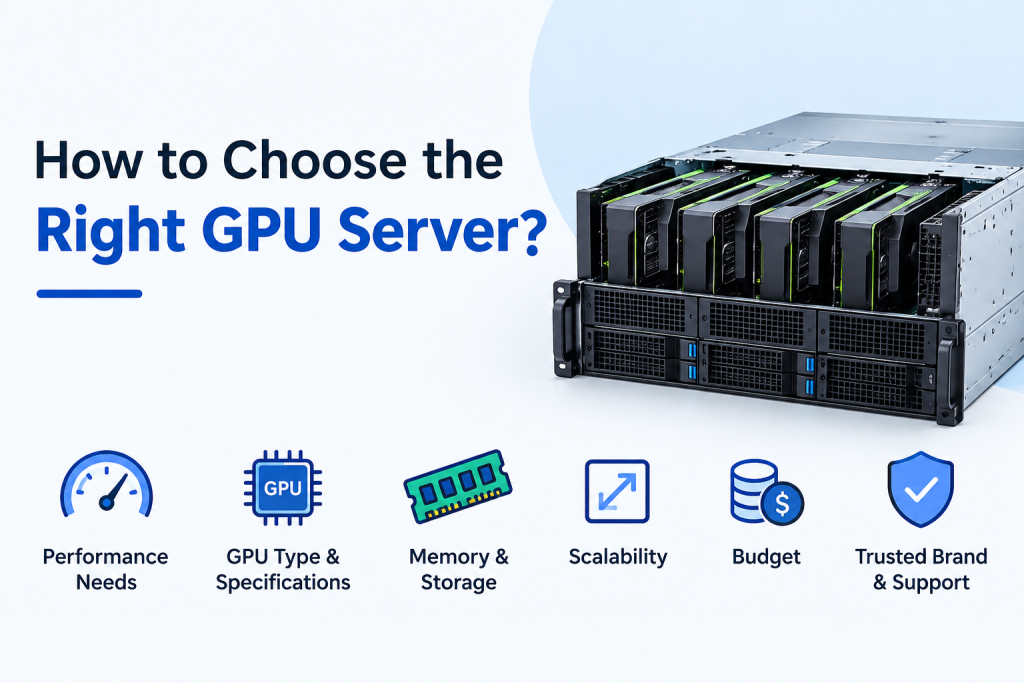
There is no single GPU server that can be called the best for every customer.
The right choice depends on your application, expected workload, budget, performance target, and future requirements.
Here are the most important factors to evaluate.
1. Start With Your Workload
Before looking at GPU specifications, identify exactly what you plan to run.
For example:
Workload | Key Considerations |
AI/ML training | GPU compute, VRAM, CPU, RAM |
Generative AI | High VRAM, GPU performance, storage |
3D rendering | GPU performance, VRAM |
Video processing | GPU acceleration, storage performance |
Data analytics | GPU compute, RAM, storage |
Scientific computing | GPU, CPU, memory balance |
Computer vision | GPU performance, VRAM, fast storage |
The workload should drive the hardware decision.
For example, an AI application handling a large model may need substantially more GPU memory than a basic video-processing workflow.
2. Select the Appropriate GPU
The GPU is generally the most important component in a GPU server.
When comparing GPUs, look beyond the model name and evaluate:
- GPU architecture
- VRAM capacity
- Compute performance
- Number of GPUs supported
- Power consumption
- Software compatibility
- Application requirements
The most expensive GPU is not necessarily the best choice.
If your workload can be handled efficiently by a lower-cost GPU, spending more may provide little practical benefit. At the same time, choosing a GPU with too little memory or insufficient compute capability can create limitations later.
Before selecting hardware, understand the approximate model size, workload complexity, dataset requirements, batch size, and software stack.
3. Pay Close Attention to VRAM
GPU memory, commonly referred to as VRAM, is one of the most important specifications for many GPU workloads.
A GPU can have excellent processing performance but still be unsuitable if it does not have enough memory for your application.
GPU Server For AI and machine learning workloads, available VRAM can influence:
- Model size
- Batch size
- Input resolution
- Training configuration
- Inference workload
- Number of concurrent tasks
This is why you should never compare GPUs solely by their processing speed.
A GPU with more memory may be the better choice for a particular application even if another model has higher theoretical compute performance.
4. Don’t Ignore the CPU and RAM
The GPU does not work in isolation.
Your server needs an appropriate CPU, system memory, motherboard, and supporting hardware to keep the GPU workload running efficiently.
Depending on the application, you may need to evaluate:
- CPU core count
- CPU generation
- RAM capacity
- Memory speed
- Memory channels
- Upgrade capacity
- PCIe configuration
For workloads involving large datasets, insufficient system RAM can become a bottleneck even when the GPU itself is powerful.
The goal is to build a balanced system rather than simply purchasing the strongest GPU available.
5. Choose Suitable Storage
GPU-intensive applications often deal with large datasets, model files, checkpoints, application files, and temporary processing data.
Fast SSD or NVMe storage can help improve:
- Dataset loading
- Model loading
- Application startup
- File transfers
- Temporary data processing
When selecting storage, consider both capacity and performance.
A large drive is useful if you have substantial datasets, but fast storage can also make a noticeable difference when applications frequently read and write large amounts of data.
6. Consider Power and Cooling
High-performance GPUs can consume considerable power and generate substantial heat.
This becomes increasingly important when you are installing multiple GPUs in the same server.
Before purchasing, verify:
- Power supply capacity
- Cooling design
- Airflow requirements
- Rack requirements
- Electrical infrastructure
- Operating environment
A powerful server is only useful if your facility can safely and reliably support it.
What Determines GPU Server Price?
GPU server price is one of the most common search terms used by prospective buyers, but there is no universal price for a GPU server.
Two servers can look similar on paper while having significantly different costs because of their underlying configurations.
Pricing can depend on:
- GPU model
- Number of GPUs
- VRAM capacity
- CPU
- RAM
- SSD/NVMe storage
- Motherboard
- Power supply
- Chassis
- Cooling system
- Warranty
- Technical support
- Installation
- Customization
A basic single-GPU server and a high-end multi-GPU enterprise server are designed for very different workloads, so comparing their prices alone would not provide much useful information.
The better approach is to request a configuration based on your actual requirements.
Is the Cheapest GPU Server the Best Choice?
Not always.
A low-cost server can become expensive if it does not have enough resources to perform the job you purchased it for.
Consider two hypothetical systems:
Server A: Lower purchase price but insufficient VRAM.
Server B: Higher purchase price with enough VRAM and processing capacity for the intended workload.
If Server A cannot run your model efficiently and requires an upgrade shortly after purchase, the initial savings may disappear.
Instead of asking only:
“How much does this GPU server cost?”
Ask:
“Will this server provide the performance and capacity I need over its expected useful life?”
That approach can result in a better long-term investment.
Why Choosing the Right GPU Server Provider Matters?
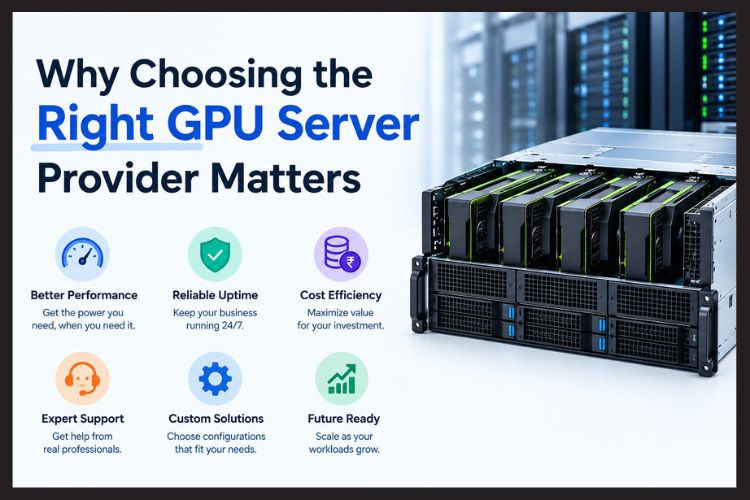
Buying GPU hardware is not simply a matter of selecting a GPU from a specification sheet.
A good provider should first understand your technical requirements and then suggest an appropriate configuration.can help businesses and professionals evaluate their GPU requirements before selecting server hardware.
A proper consultation may cover questions such as:
- What application will you run?
- Are you training or deploying AI models?
- Which software frameworks do you use?
- How much VRAM does your workload require?
- How many GPUs do you need?
- What CPU and RAM configuration is appropriate?
- How much storage will you need?
- Will the server operate continuously?
- What is your approximate budget?
- Will you need additional GPUs or storage later?
This requirement-based approach can help reduce the risk of purchasing hardware that is either too weak for the workload or significantly more powerful than necessary.
What Features Should You Check Before Buying a GPU Server?
Before placing an order, it is useful to divide your evaluation into two areas: hardware and service.
Hardware Checklist
Look for:
- Suitable GPU options
- Adequate VRAM
- Compatible CPU
- Sufficient system RAM
- Fast SSD or NVMe storage
- Reliable power supply
- Effective cooling
- Multi-GPU support if required
- Suitable chassis
- Rack compatibility where applicable
- Expansion capability
Provider and Service Checklist
Also evaluate:
- Warranty coverage
- Technical support
- Installation assistance
- Configuration support
- Upgrade possibilities
- Hardware replacement policy
- Delivery timelines
- Post-sales support
A slightly higher price can be justified when the provider offers better support and delivers a configuration that properly matches your requirements.
Common GPU Server Buying Mistakes
First-time buyers often focus heavily on specifications and price while overlooking practical requirements.
Here are some mistakes worth avoiding.
1. Choosing Based Only on the GPU Model
A well-known GPU does not automatically make a server the right choice.
Your application should determine the GPU.
2. Underestimating VRAM
Insufficient GPU memory can prevent certain models or workloads from running effectively.
For AI applications in particular, VRAM should be considered early in the purchasing process.
3. Buying More Hardware Than You Need
Over-specification can increase your investment without providing meaningful benefits.
If your workload only requires one GPU, purchasing a large multi-GPU server may not be economically sensible.
4. Forgetting Power Requirements
Power consumption should be evaluated before installation.
This is especially important for high-end and multi-GPU configurations.
5. Not Planning for Future Growth
Your requirements may increase over time.
Consider whether the server supports future upgrades to:
- GPU capacity
- RAM
- Storage
- Networking
- Other components
6. Comparing Only the Purchase Price
Price is important, but it should not be your only comparison point.
Look at the complete package, including performance, warranty, support, upgradeability, reliability, and expected lifespan.
Which Option Should You Choose? GPU Server vs Cloud GPU.
Not every organization needs to purchase physical GPU hardware.
Depending on your usage pattern, renting GPU resources through a cloud provider may be a better fit.
Factor | Dedicated GPU Server | Cloud GPU |
Initial investment | Higher | Generally lower |
Long-term heavy usage | May offer better value | Costs can accumulate |
Hardware control | High | Limited |
Maintenance | Required | Provider-managed |
Scalability | Hardware-dependent | Usually flexible |
Data environment | Greater direct control | Depends on provider |
Suitable for | Consistent workloads | Variable or short-term workloads |
When a Cloud GPU May Make Sense
Cloud GPUs may be helpful in situations where:
- You are trying out AI
- You have an unpredictable workload
- You use GPUs sporadically
- You do not want to maintain hardware
- You need temporary extra power
When Buying a GPU Server May Make Sense
Dedicated hardware can be attractive when:
- GPU utilization is consistently high
- You need predictable performance
- You want direct hardware control
- Your workload is long-term
- You have suitable power and cooling infrastructure
- You want to avoid recurring cloud GPU rental costs
The right choice ultimately depends on your usage pattern and total cost of ownership.
GPU Server Buying Checklist
Before contacting a GPU server provider, prepare the following information:
Workload
What are you planning to run AI, machine learning, rendering, analytics, video processing, or another application?
Software
List the frameworks, operating systems, and applications you currently use.
GPU
Do you need a particular GPU model, or are you looking for a certain level of performance?
VRAM
Estimate the GPU memory required by your models or applications.
Number of GPUs
Determine whether a single GPU is sufficient or whether your workload benefits from multiple GPUs.
System RAM
Estimate the amount of memory required for your datasets and applications.
Storage
Consider both the capacity and speed of the storage system.
Budget
Set an approximate investment range before requesting quotations.
Future Expansion
Think about whether you may need additional GPUs, RAM, or storage in the future.
Infrastructure
Check rack space, electricity, cooling, networking, and other installation requirements.
Providing these details to your server provider can make it much easier to identify a suitable configuration.
Key Takeaways
Choosing a GPU server should begin with your workload rather than the GPU price or model name.
Keep these points in mind:
- There is no single GPU server that is best for every application.
- Understand your workload before selecting hardware.
- VRAM can be critical for AI, machine learning, and other memory-intensive applications.
- CPU, RAM, storage, power, and cooling should complement the GPU.
- The cheapest server may not provide the best long-term value.
- Avoid purchasing significantly more hardware than your workload requires.
- Consider future expansion before finalizing your configuration.
- Compare warranty, support, installation, and upgrade options alongside hardware specifications.
- For consistent and intensive workloads, dedicated GPU hardware may be worth considering.
- For temporary or unpredictable workloads, cloud GPU resources may be more practical.
- A provider that understands your requirements can help you avoid configuration mistakes.
Conclusion
Buying a GPU server is a long-term infrastructure decision, so choosing hardware based solely on the lowest price is rarely the best approach.
Start by understanding your workload. Then evaluate GPU performance, VRAM, CPU, RAM, storage, power, cooling, scalability, and support.
The best GPU server is not necessarily the most powerful or the cheapest system. It is the configuration that provides the right level of performance, memory, reliability, and expandability for your specific requirements.
Whether you are dealing with AI, machine learning, generative AI, computer vision, 3D rendering, video processing, data analytics, or scientific computing, choosing the correct configuration will make all the difference to your infrastructure investment.
Unsure which GPU server configuration best suits your needs? Serverstack can assist in evaluating your requirements and finding the best solution for you
Ready to Buy a GPU Server?
Before making your purchase, discuss your workload, GPU requirements, budget, infrastructure, and future expansion plans with a knowledgeable provider.
Contact Serverstack to discuss your GPU server requirements and get a configuration designed around your actual workload, not simply a specification sheet.
Frequently Asked Questions
1. What is the best place to buy a GPU server in India?
The right provider depends on your workload, budget, GPU requirements, infrastructure, and support expectations.
Rather than selecting a supplier based only on price, look for a provider that can understand your requirements and recommend a configuration accordingly.
Serverstack is an option for businesses, developers, researchers, and other organizations looking for GPU server solutions in India.
2. How much does a GPU server cost?
There is no standard GPU server price.
The total cost depends on factors such as the GPU model, number of GPUs, VRAM, processor, RAM, storage, power supply, cooling, chassis, warranty, support, and customization.
For an accurate estimate, it is better to request a quotation based on your intended workload.
3. Which GPU server is best for AI?
The best GPU server for AI depends on the model and workload.
You should consider:
- Model size
- VRAM requirement
- Training or inference workload
- Compute requirements
- Number of users
- Dataset size
- Budget
For large AI models, GPU memory can be particularly important. Smaller applications may not require the same level of hardware.
4. Should I buy a GPU server or use a cloud GPU?
It depends on how you use GPU resources.
Cloud GPUs can be convenient for temporary, experimental, or unpredictable workloads. A dedicated GPU server may be more suitable when you have consistent, intensive workloads and want direct control over your hardware.
Compare the expected usage and total cost before deciding.
5. How much GPU memory do I need?
The answer depends on your application.
For AI workloads, factors such as model size, batch size, input resolution, training settings, and inference requirements can influence VRAM usage.
The safest approach is to estimate your actual workload rather than choosing a VRAM capacity based on a generic number.
6. Can GPU servers be customized?
Yes. Depending on the provider and platform, GPU servers can be configured with different combinations of GPUs, CPUs, RAM, storage, power supplies, chassis, and other components.
Customization can be particularly useful when you have specific performance or expansion requirements.
7. Is an expensive GPU always better?
No, a more expensive GPU may deliver greater performance, but that does not necessarily mean it is the most suitable or cost-effective option for your workload.
The objective should be to find the right balance between performance, memory, price, and future requirements.
8. What should I ask a GPU server provider?
Before purchasing, ask the provider:
- Why is this GPU recommended for my workload?
- How much VRAM does it have?
- Is the CPU sufficient for my application?
- How much RAM should I choose?
- What storage configuration is recommended?
- What are the power requirements?
- How is the server cooled?
- What warranty is included?
- What technical support is available?
- Can the system be upgraded later?
- What are the expected delivery and installation timelines?
A knowledgeable provider should be able to explain the reasoning behind its recommended configuration.